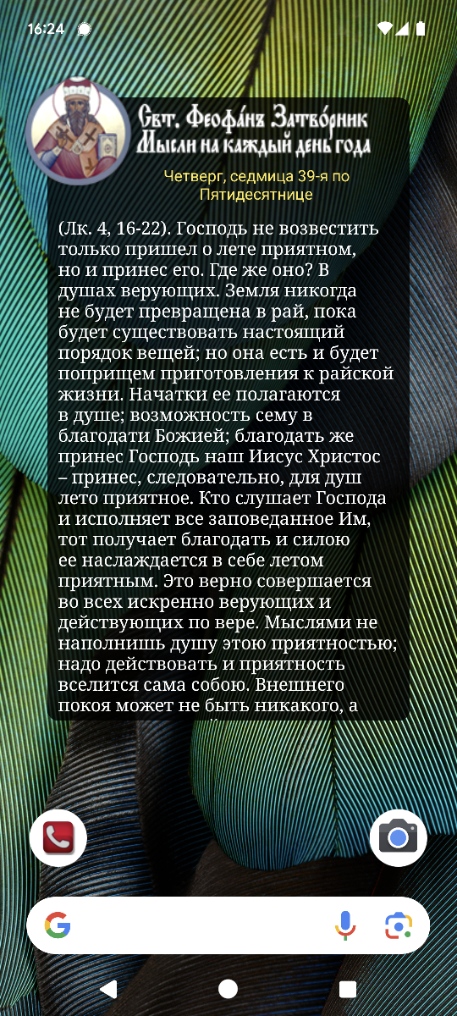
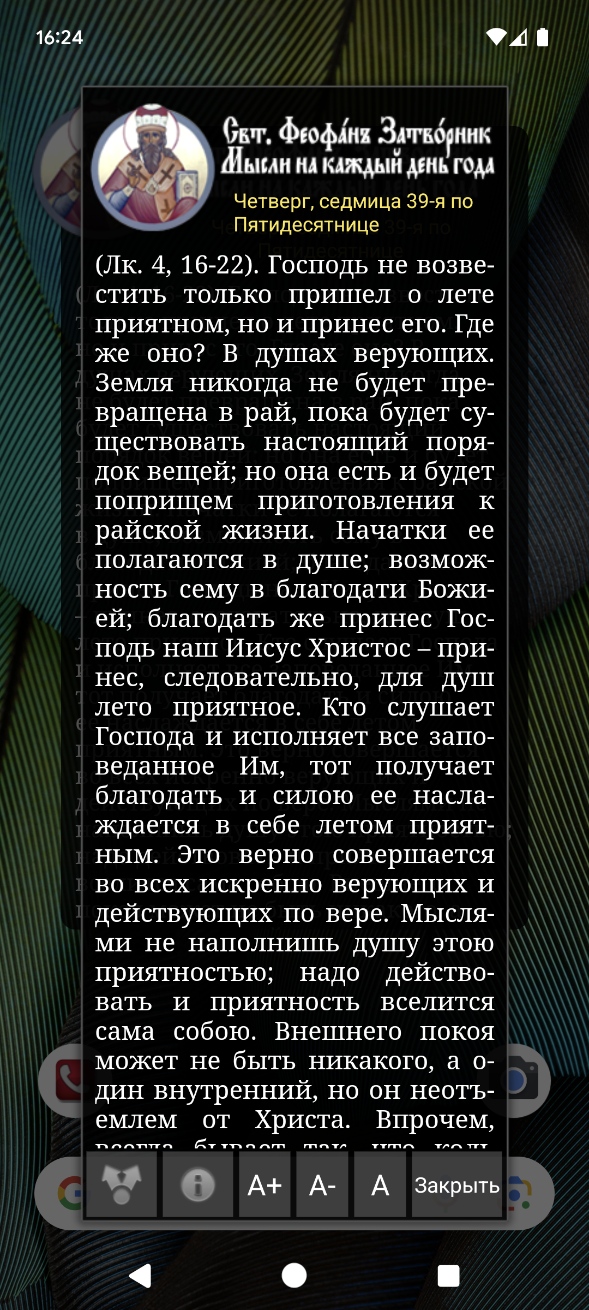
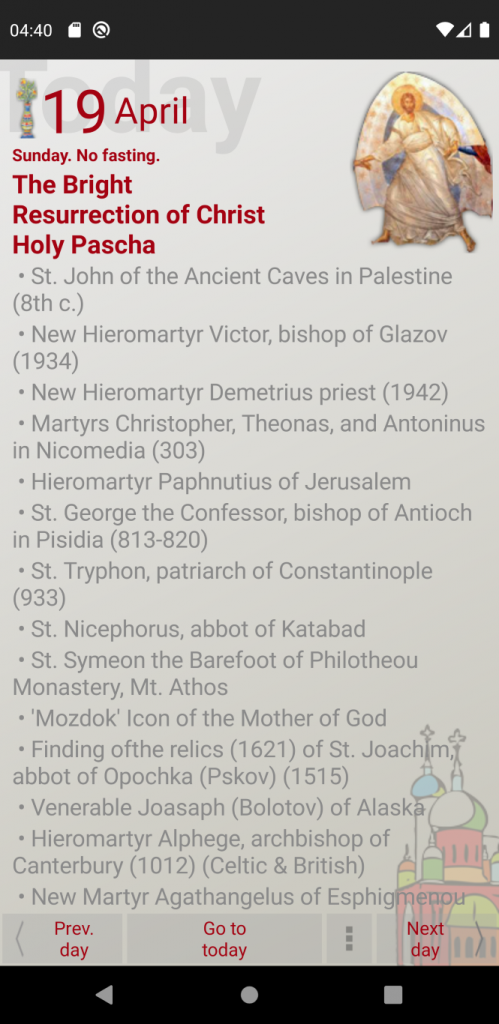
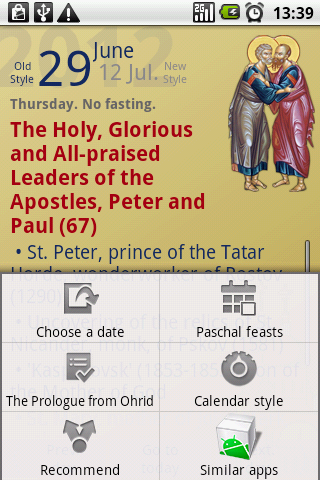
Новая версия (2.0) приложения «Мысли на каждый день года святителя Феофана Затворника» обеспечивает поддержку новых версий системы Android. Включает в себя совершенно новый и переработанный виджет, который отображает все содержание «Мысли дня».
Приложение теперь позволяет делиться содержанием по всем каналам, а не только через Facebook.
На данный момент обновлена только платная версия приложения, а в ближайшее время будет обновлена и бесплатная.
Android widgets have been available almost since day one of the platform, and they remain one of the most useful Android functionality.
Here’s an update to the Patericon app which provides this app with two different types of widgets:
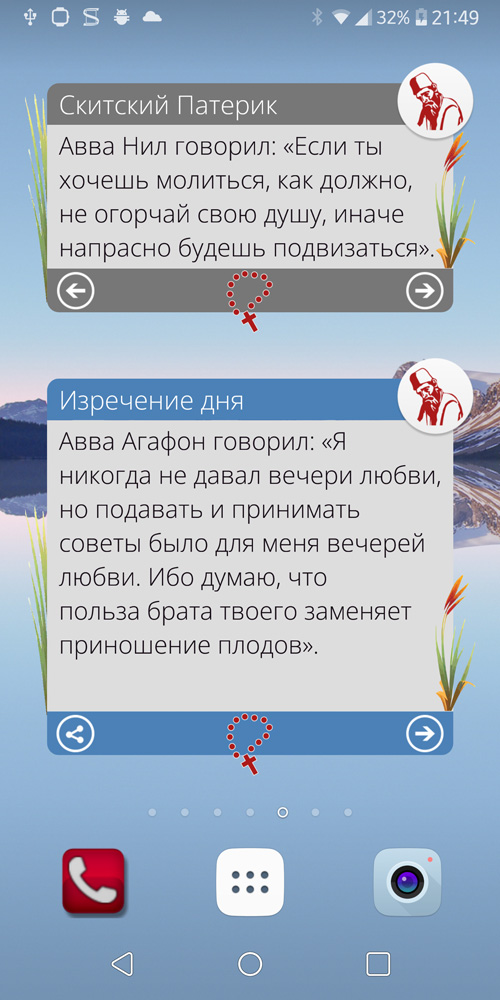
Reader widget – which is synchronized with the main application, so you can read through the app, or through the widget, which ever you prefer at a given moment.
Quote of the day widget – which displays a random selection of sayings, each day a different one.
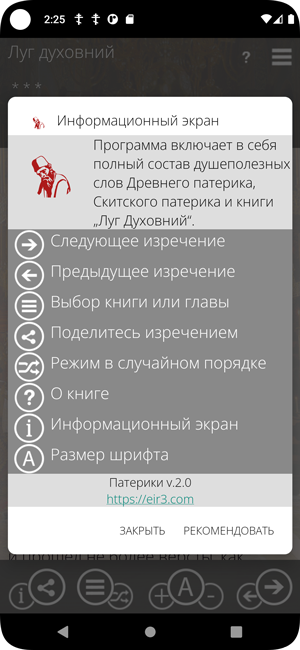
The app previously named „Древний патерик“ (Ancient Patericon) has been updated and renamed to „Патерики“ (Patericons) as it now includes not only the Ancient Patericon, but also the Sketian Patericon and the book “Spiritual Meadow”. The full contents of these precious books is included.
The app is updated to support the latest Android versions, and more importantly, the latest Google Play Store requirements.
The other Patericon apps, „Скитский патерик“ , „Луг духовний“ (and the English version “Spiritual Meadow”) are still available on the Play Store, but they won’t be updated and thus, they will not be available to newer Android devices, due to the updated Play Store policy, which requires regular update of the apps.
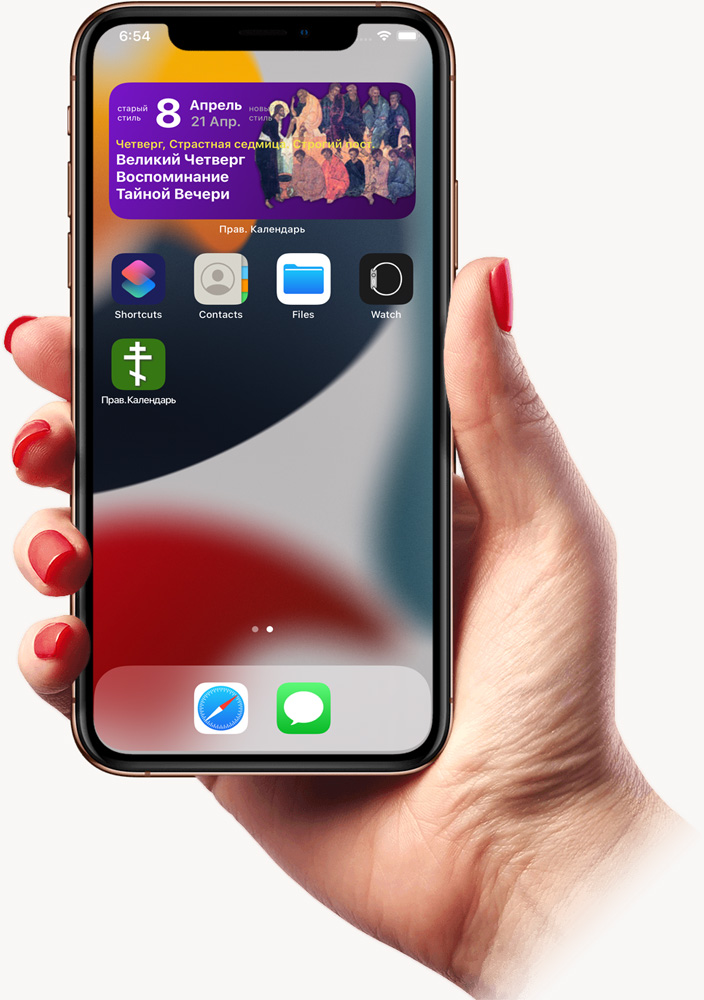
The main screen widget, which was actually the very beginning of the Orthodox Calendar app on Android, is finally available for iOS devices. Currently, only for the Russian version of the app.
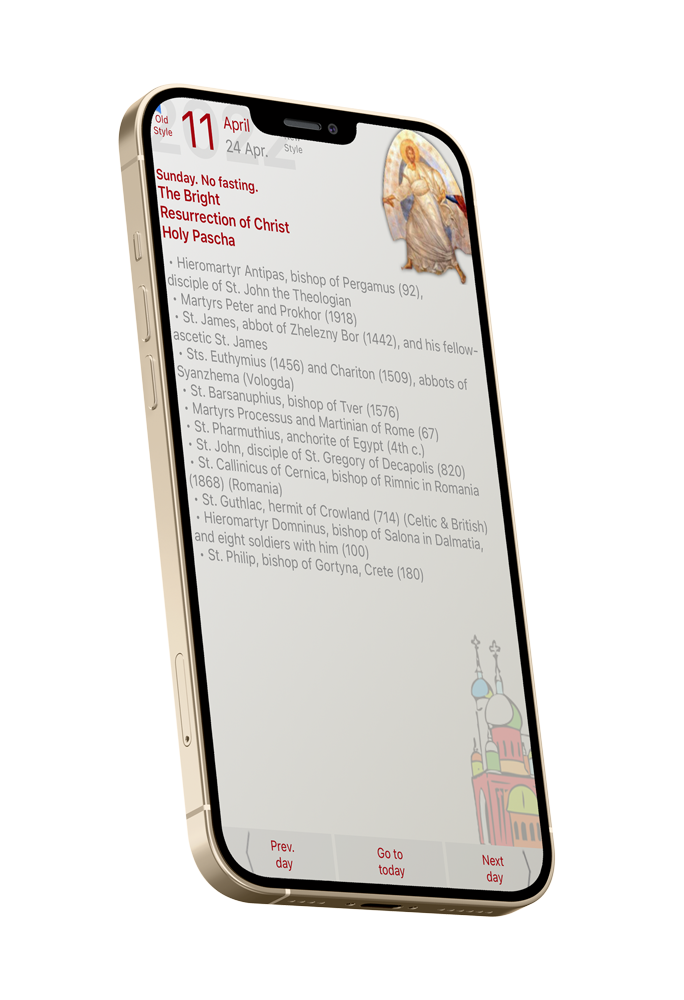
The Orthodox Calendar app for iOS devices has been updated, after a long while, on the App Store. At this moment the update just ensures the app runs on the current iOS devices.
A further update is planned, with new functionality.
I’m very happy to announce that the Orthodox Christian Calendar for Android devices is available for free download from Google’s Play Store, again. It was erroneously suspended by Google, thus there was no chance for restoring the old store listing, with all the reviews, comments, history, etc.
This also means that you will need to remove the old version of the app before installing the new one (it’s not a problem to have them both installed, but you might get confused opening the old version by mistake).
But, the calendar is back online, updated and fixed to work with the newest Android versions. Here’s what’s new in version 4.1:
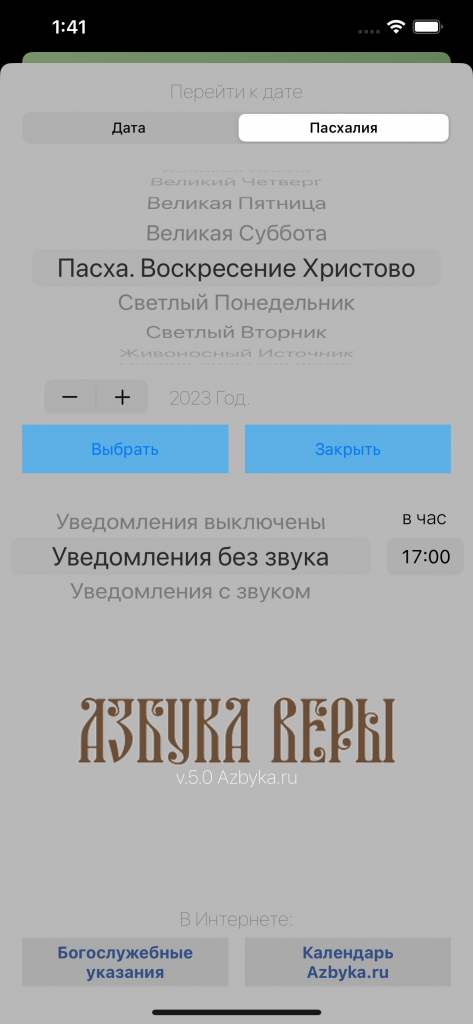
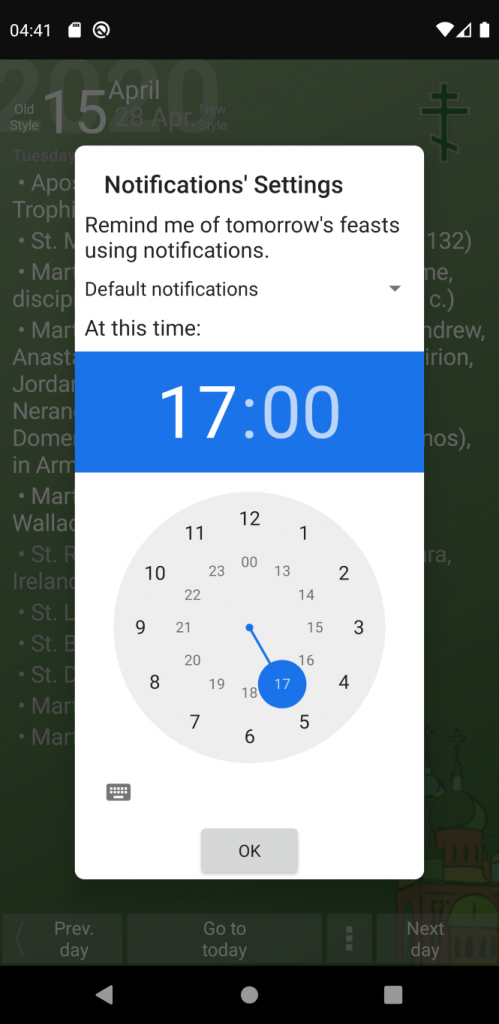
Notifications: the app can remind you (at a time you choose) about tomorrows feasts and saints.
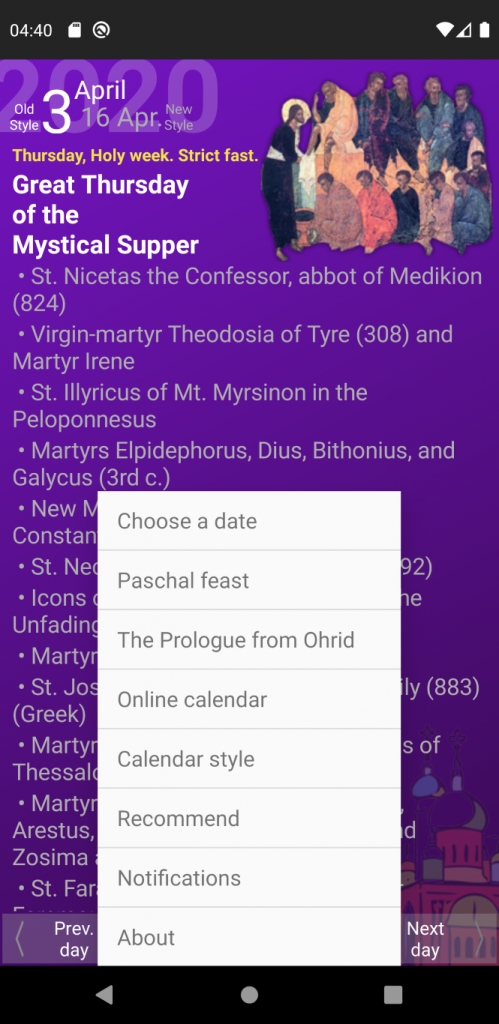
Menu button on the main screen – this was a long requested feature, since the menu button was removed from the newer versions of Android.
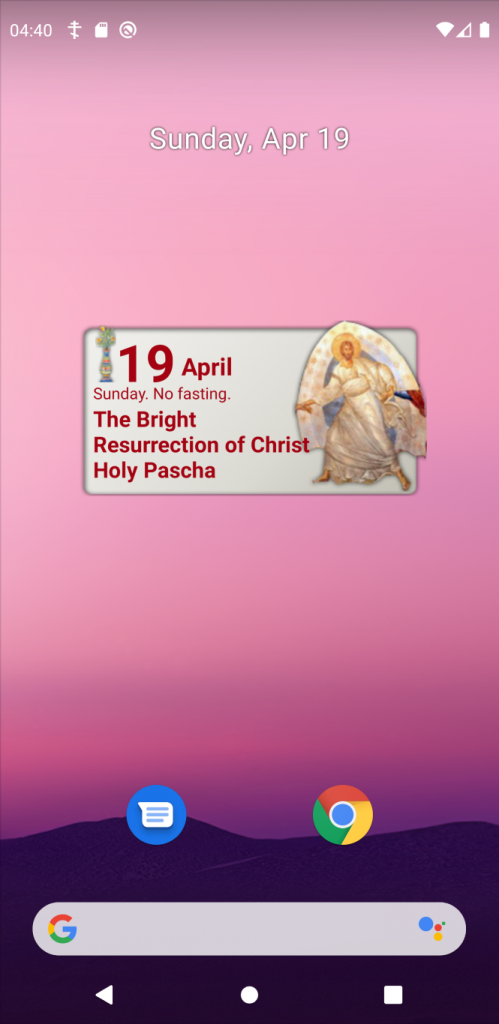
Widget display is now consistent throughout all sorts of devices and screen formats and sizes.
Google determined that the English version of the Orthodox Calendar app for Android was a spam-app, and suspended it from the Play Store. I filed a complaint, but as an answer I only got excuses stating that the process is done and there is nothing more I can do. If I want to put the same app in the Play Store again, I will need to submit it under a different name.
That is a sad development of events, as the app is no spam-app, it was available in the Play Store for full 8 years, it had very good reviews, and was used by a lot of people (my access to the app statistics has been disabled as well, so I can’t provide you the actual values). Furthermore, the app makes no data usage, it doesn’t connect to the Internet, neither it has access to the device storage, so there is absolutely no privacy concern related.
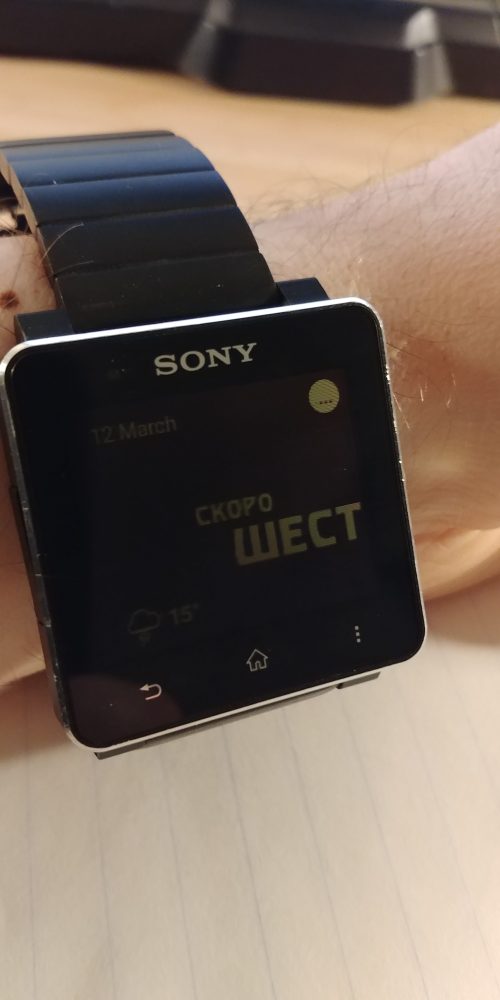
I published an update of the Fuzzy Watchfaces app for Sony SmartWatch2, which features a typo in the German Watchface, and adds a new language – Macedonian. These Watchfaces are my favourite, and the ones I most often use on my watch.
I was unpleasantly surprised to see the Sony SmartWatch2 app missing from Google’s Play Store (if you need it, you can download it from Sony’s site)… That just speaks of the abandonment of this platform by Sony itself.
SmartWatch2 is the best smart watch I’ve used, and also the best smart watch platform, in my opinion.
Thus, this is a sad development of events. I assume the reason are the new policies enforced by Google:
The Play Store requires all new updates to target at least Android 8.0, while
Android 8.0 is more restrictive towards background processes, and hinders the SmartWatch apps from functioning properly.
Therefore, there will be no updates to the SmartWatch apps, as I won’t be able to publish a functional version on the Play Store.
That said, if you happen to be a user of the Fuzzy Watchfaces app, and face any issues with the latest update, write me an email and I will provide you with an APK, which is unacceptable on the Play Store, but it’s perfectly functional on all Android devices.
I have to announce the end of support for the Garmin Connect IQ apps I have developed. The overall user experience has proved to be not pleasing. The main reason for this is the way the Garmin watches communicate with the phone. In order to save energy and increase battery life, the Bluetooth communication between the Garmin watches and the Garmin host app on the phone is reduced to a pretty low frequency. That is enough for simple data exchange, but this proves to be overall insufficient for the type of apps I develop, where it is expected that this Bluetooth communication is instantaneous. With a little patience, this all works out well in general, but it seems that on many devices it takes more time waiting for the connection to be established than the actual operation that should be taking place. Since there is nothing I can do to improve this behaviour, I made the decision to remove my apps from the store.